Step 2
Expand the domain and select the Group Policy Object node in the navigation pane.
Right-click Group Policy object and select New.
Type Enable Windows Hello in the name box and select OK

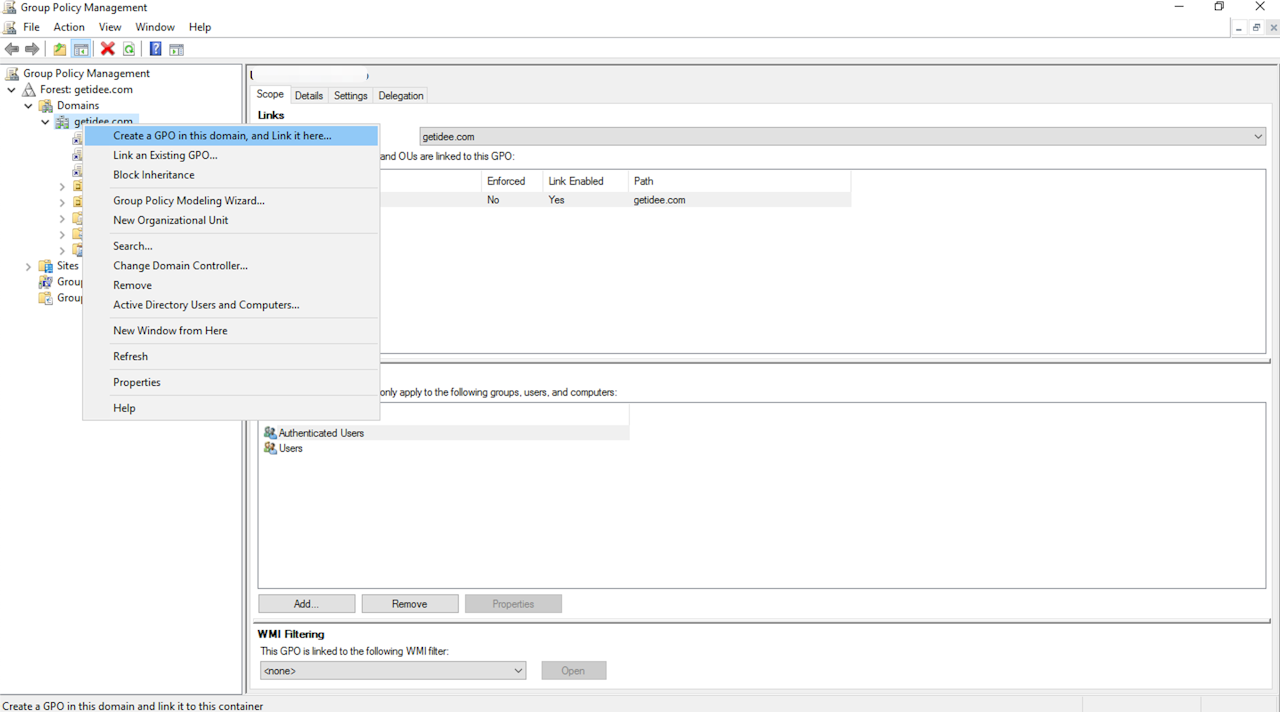
Expand the domain and select the Group Policy Object node in the navigation pane.
Right-click Group Policy object and select New.
Type Enable Windows Hello in the name box and select OK
Expand the domain and select the Group Policy Object node in the navigation pane.
Right-click Group Policy object and select New.
Type Enable Windows Hello in the name box and select OK