
Setup Windows Hello/Convenience Pin using GPO
Step 1 -
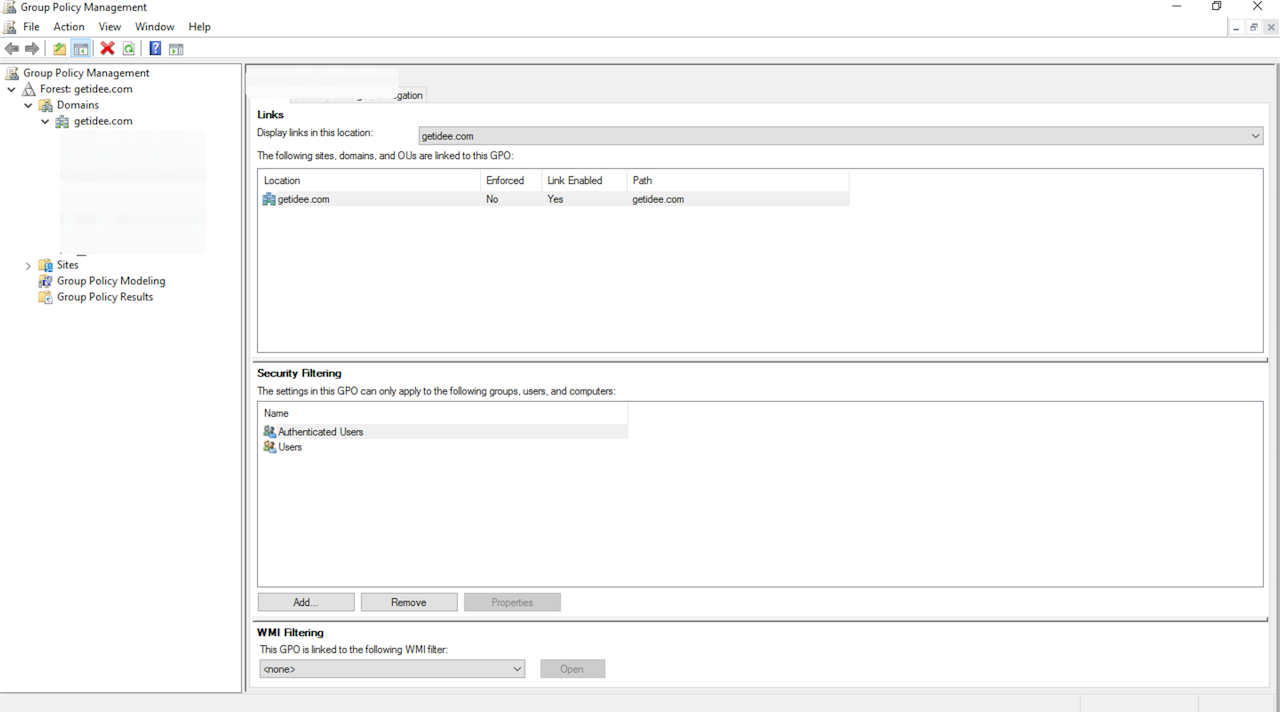
Start the Group Policy Management Console (gpmc.msc)
Step 2 -
Expand the domain and select the Group Policy Object node in the navigation pane.
Right-click the Group Policy object and select New.
Type Enable Windows Hello in the name box and select OK