📱 Step 1
📱 Set Up a Backup Code
After downloading and logging into the AuthN app, go to Settings ⚙️.
Tap Backup (or Enable Backup).
Follow the on-screen instructions.
Save the backup code somewhere safe!

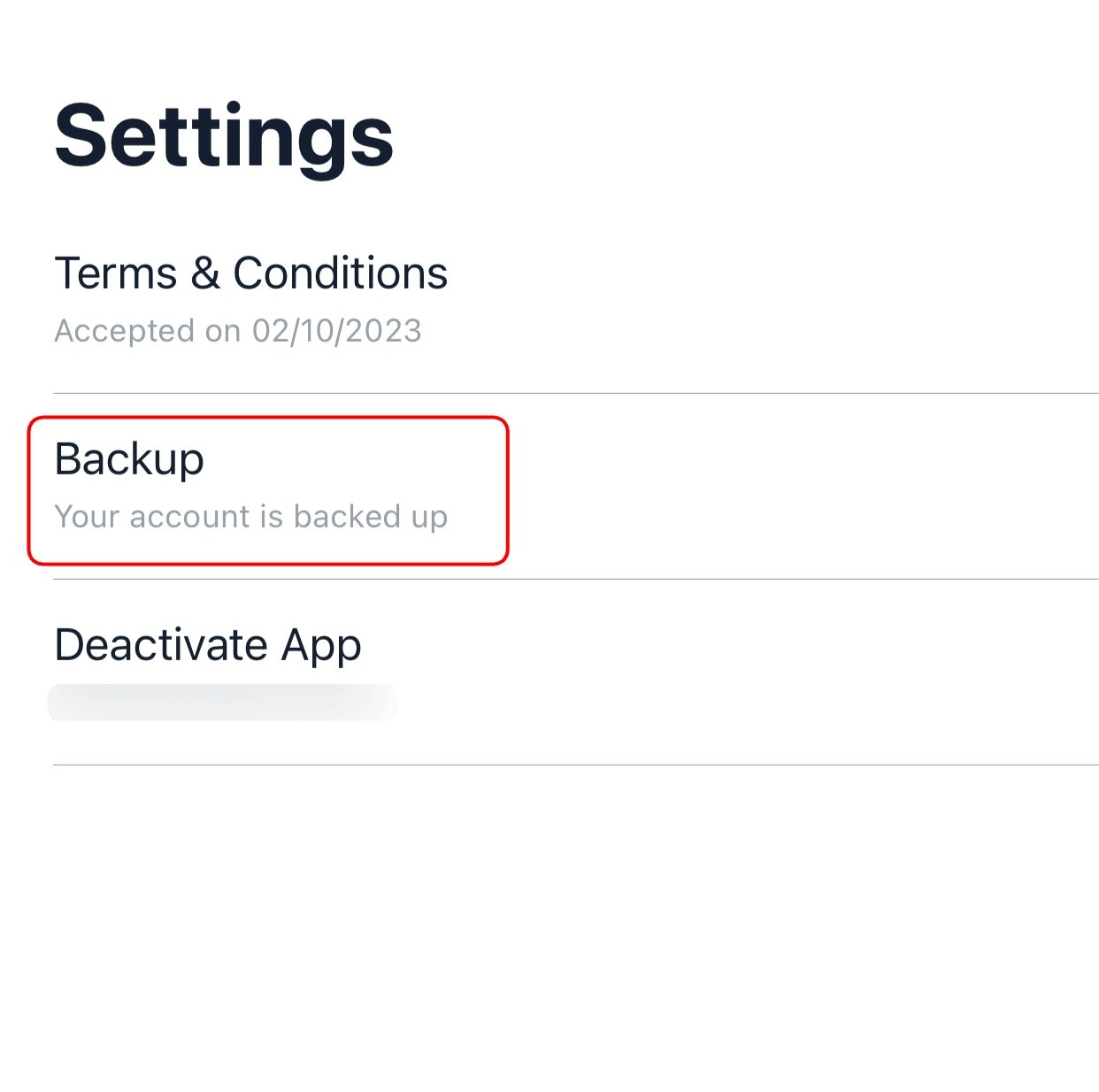
📱 Set Up a Backup Code
After downloading and logging into the AuthN app, go to Settings ⚙️.
Tap Backup (or Enable Backup).
Follow the on-screen instructions.
Save the backup code somewhere safe!
📱 Set Up a Backup Code
After downloading and logging into the AuthN app, go to Settings ⚙️.
Tap Backup (or Enable Backup).
Follow the on-screen instructions.
Save the backup code somewhere safe!