
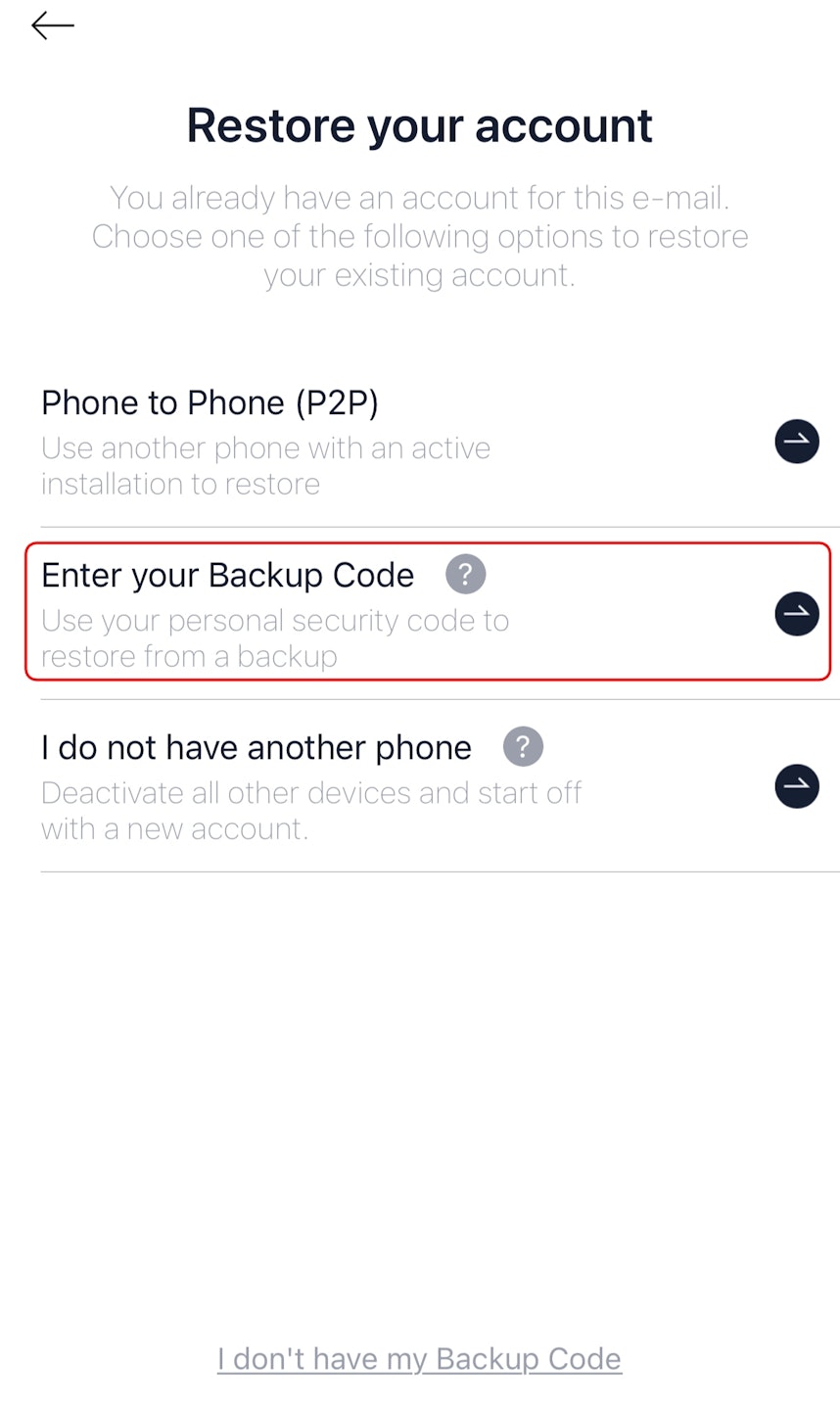
🔄 Step 2
🔄 Restore Your Account
If you’re logged out or setting up on a new device:
Open the AuthN app and select “Restore your account”.
Choose “Enter your Backup code”.
Type in the backup code you saved earlier.
Voilà! Your account is restored, and you’re back in action. 🎉