
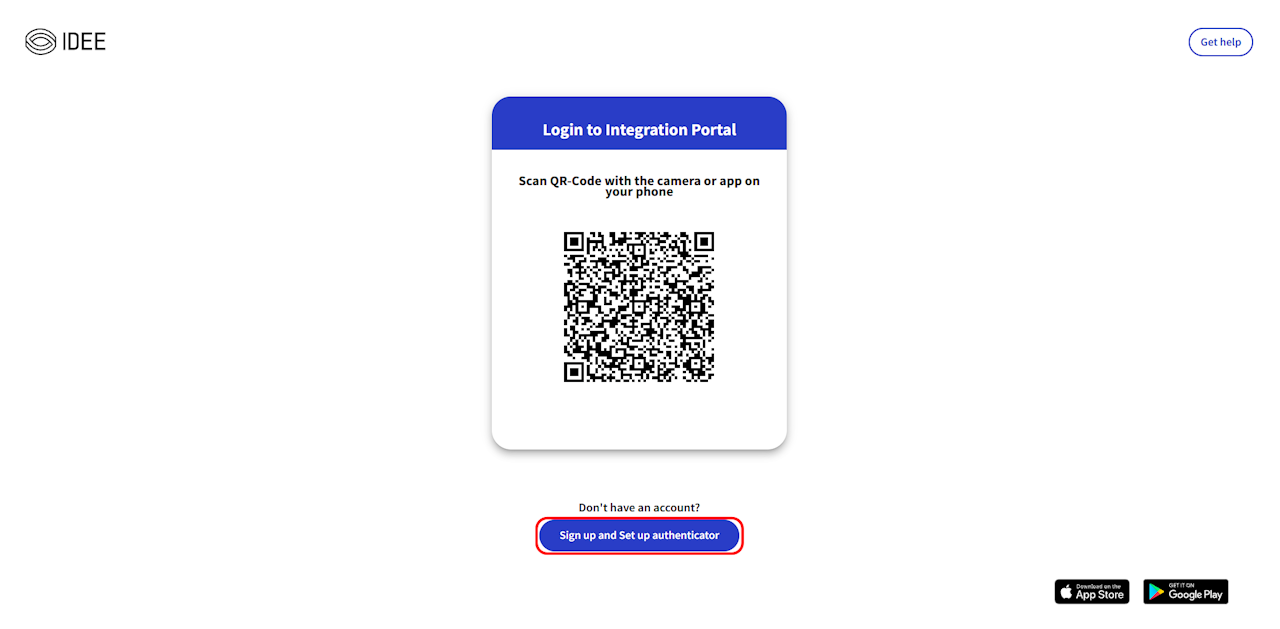
Create Account on AIP
Ready to become an AuthN Integration Portal (AIP) admin? Let’s get you started—step by step!
📥 Step 1: Download the AuthN App
Android: Play Store
iPhone: App Store
Sign up in the app using your Admin Email (more on this below! ⚠️)
🌐 Step 2: Web Setup
Go to https://authn.getidee.de
Click "Sign up" → "Set up authenticator"
Click "Next" until you reach Step 3
Scan the QR code with your AuthN app 📱
⚠️ Critical Note: Admin Email Rules
Your admin email MUST NOT match the domain you’re integrating.
(for contoso.com integration)
✅ Good: admin@onmicrosoft.contoso.com
❌ Bad: admin@contoso.com