
🔄 Updating Your Integration with New Metadata
📤 Step-by-Step Update
Log in to the AuthN Integrations Portal.
Find and click on the integration you want to update.
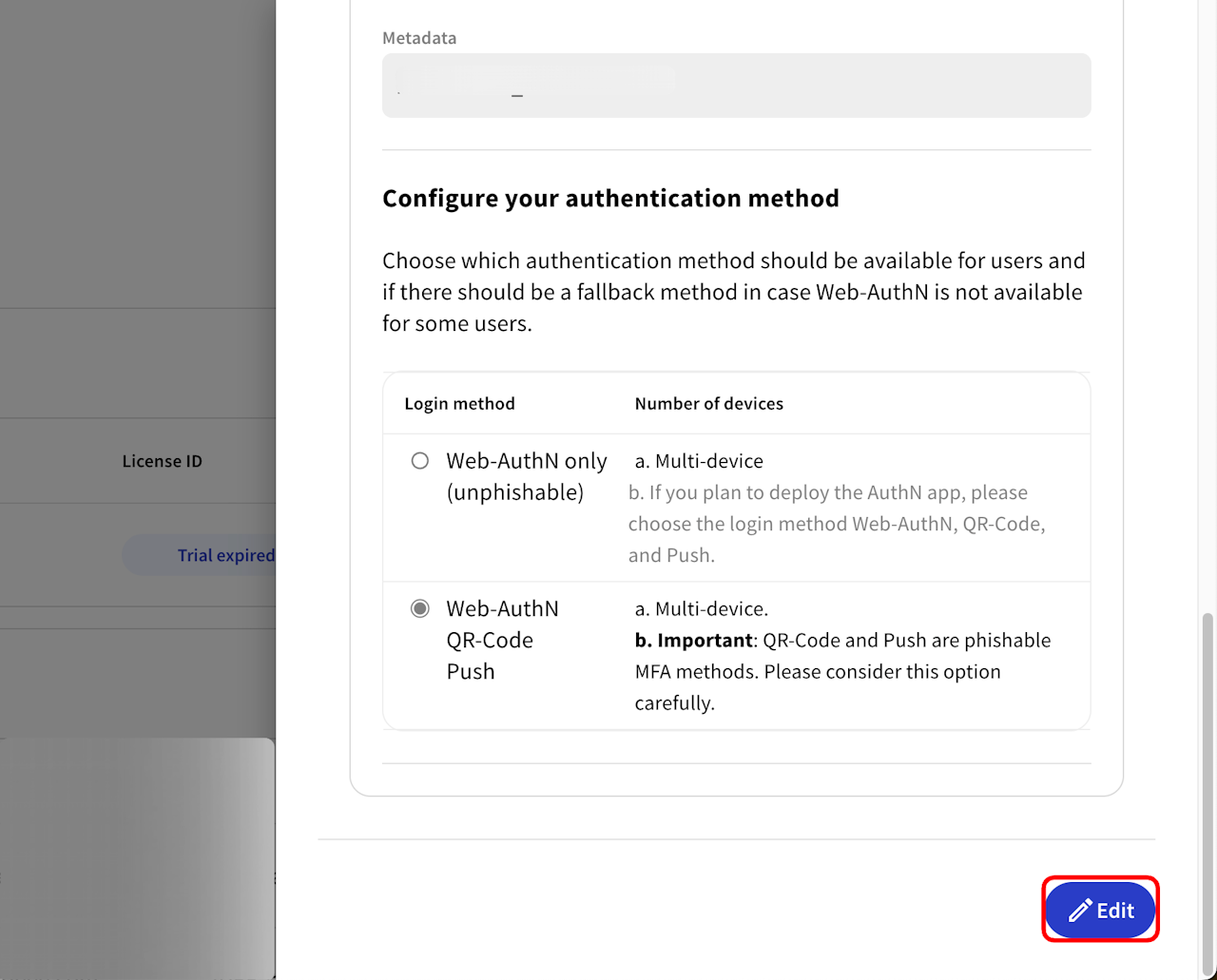
Scroll down and click the "Edit" button.
Look for the "Metadata" section.
Click "Upload File".
Select your newly edited metadata file (the one with the updated certificates).
Finally, click "Save" at the bottom of the page.
✅ You're Done!
That’s it! Your integration will now use the new metadata and certificates. The change should take effect immediately. 🎉