
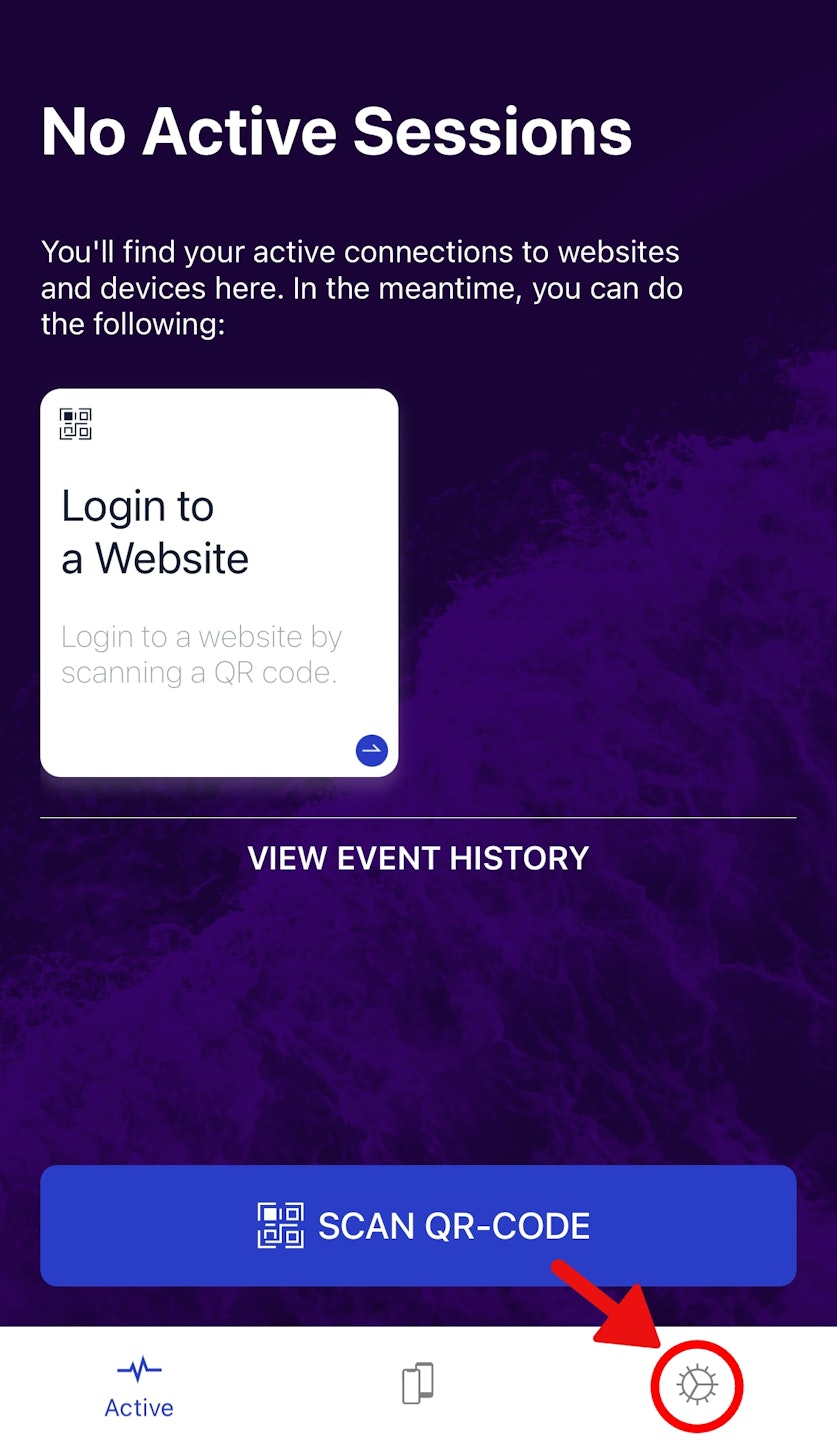
⚠️ Super Important: Backup Your AuthN App!
Don’t skip this step—your future self will thank you! 🙏
🔐 How to Create a Backup
Open the AuthN app on your phone 📱
Go to: Settings → Backup
Enable Backup → Copy the backup code
Store it like treasure! (Examples:
Password manager 🔒
Encrypted file 📂
Printed & locked in a safe 🔐
💥 Why This Matters
✅ With backup code: Regain access instantly if your account resets.
❌ No backup? You’ll need to contact support—and wait! 🐢
(Psst… losing this code = losing your backup power!)