
🌐 Enabling Microsoft Entra Global Secure Access
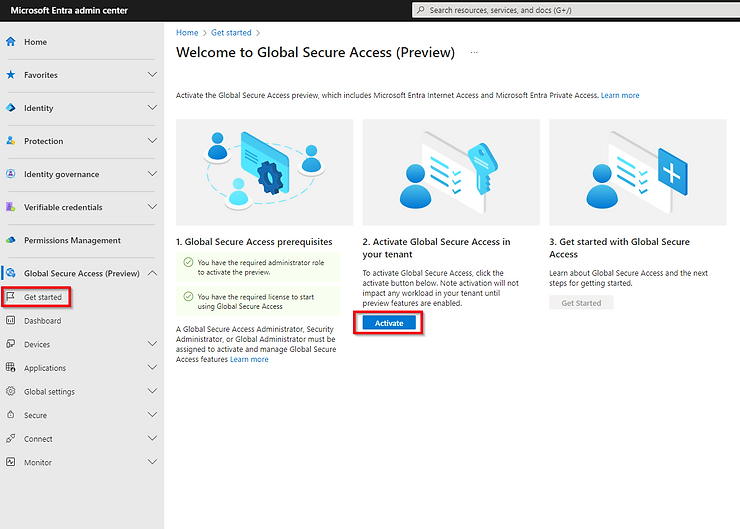
📍 Step 1: Activate Global Secure Access
Go to the Microsoft Entra Admin Center.
Navigate to:
Global Secure Access (Preview) → Get startedClick Activate.
🚦 Step 2: Enable Traffic Forwarding for Private Access
Go to:
Connect → Traffic forwarding → ProfilesFind the Private access profile and toggle it to Enabled.