
Configuring Web Application Proxy
Note: Web Application Proxy needs to be installed on a separate server from ADFS.
On the Web Application Proxy server, in the Server Manager console, in the Dashboard, click Add roles and features.
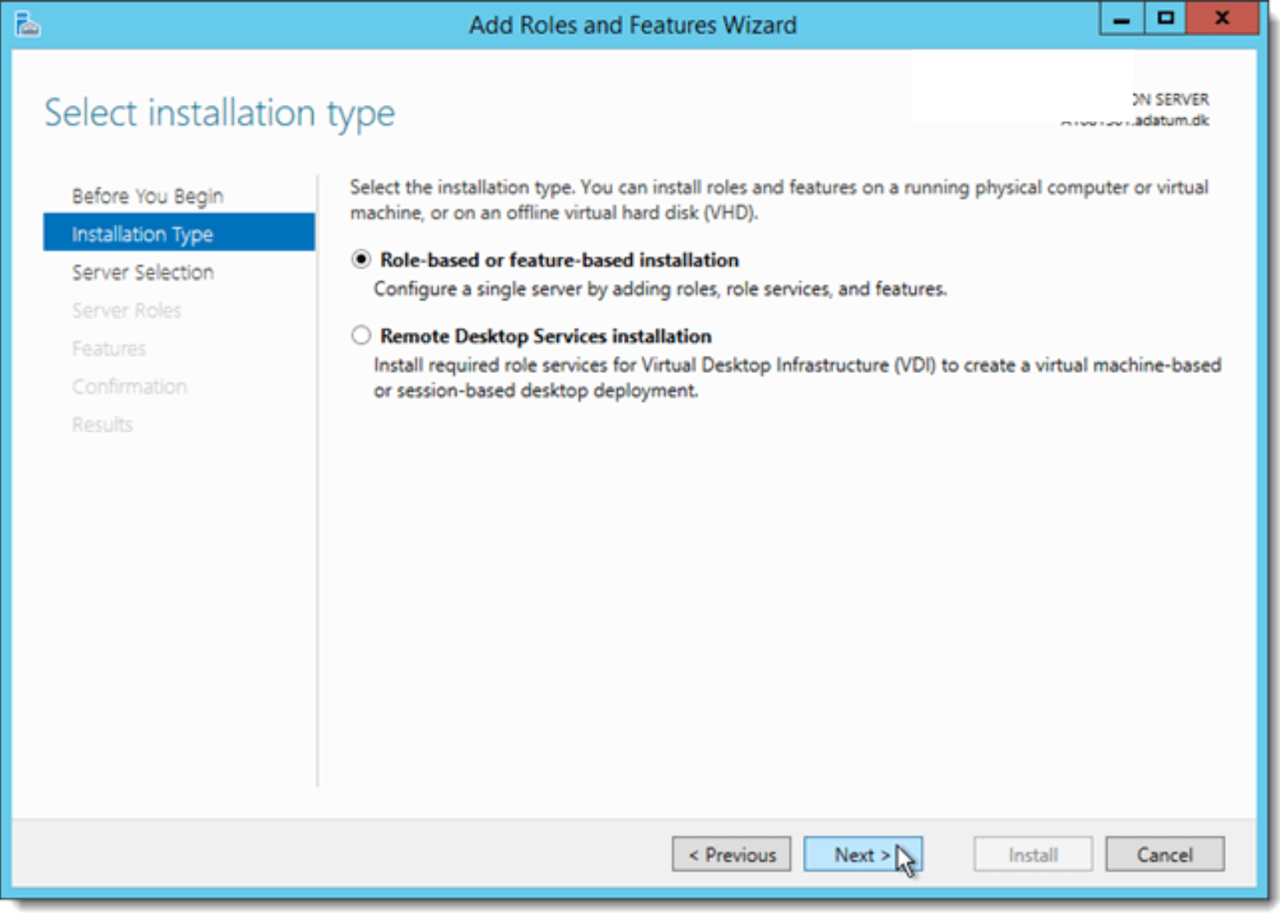
In the Add Roles and Features Wizard, click Next three times to get to the server role selection screen.
On the Select server roles dialog, select Remote Access, and then click Next.
Click Next twice.