
Step 5
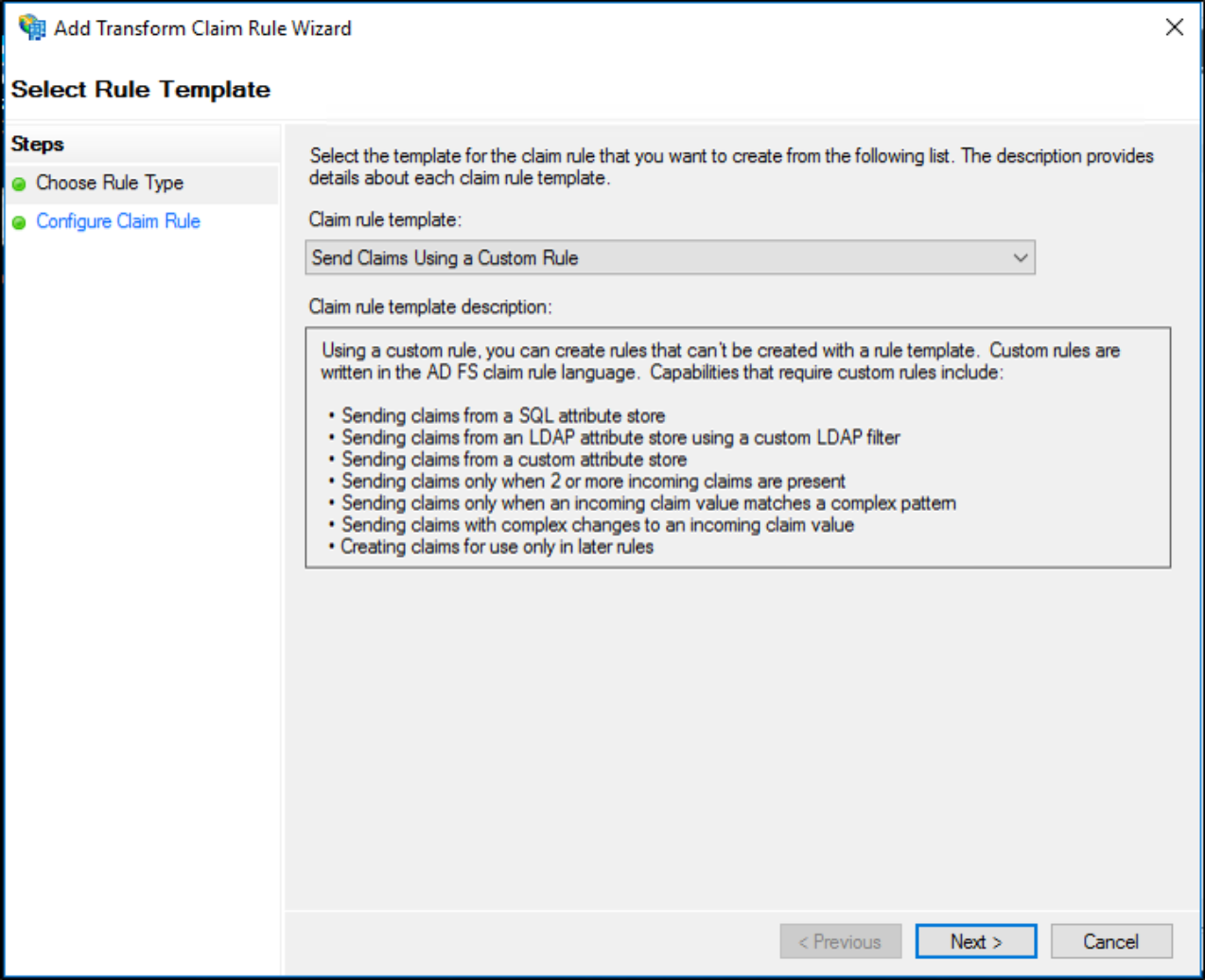
On the Select Rule Template page, under Claim rule template, select Send Claims Using a Custom Rule from the list, and then click Next.
On the Configure Rule page, under Claim rule name, type the display name for this rule. Under Custom rule, type or paste the below claim rule language:
c:[Type == "http://schemas.xmlsoap.org/ws/2005/05/identity/claims/nameidentifier", Properties["http://schemas.xmlsoap.org/ws/2005/05/identity/claimproperties/format"] == "urn:oasis:names:tc:SAML:1.1:nameid-format:emailAddress"]=> issue(claim = c);Click Finish.
In the Edit Claim Rules dialog box, click OK to save the rule. You're done and users can now use the AuthN by IDEE to sign-in to ADFS via WAP.