
Configuring AuthN by IDEE to ADFS
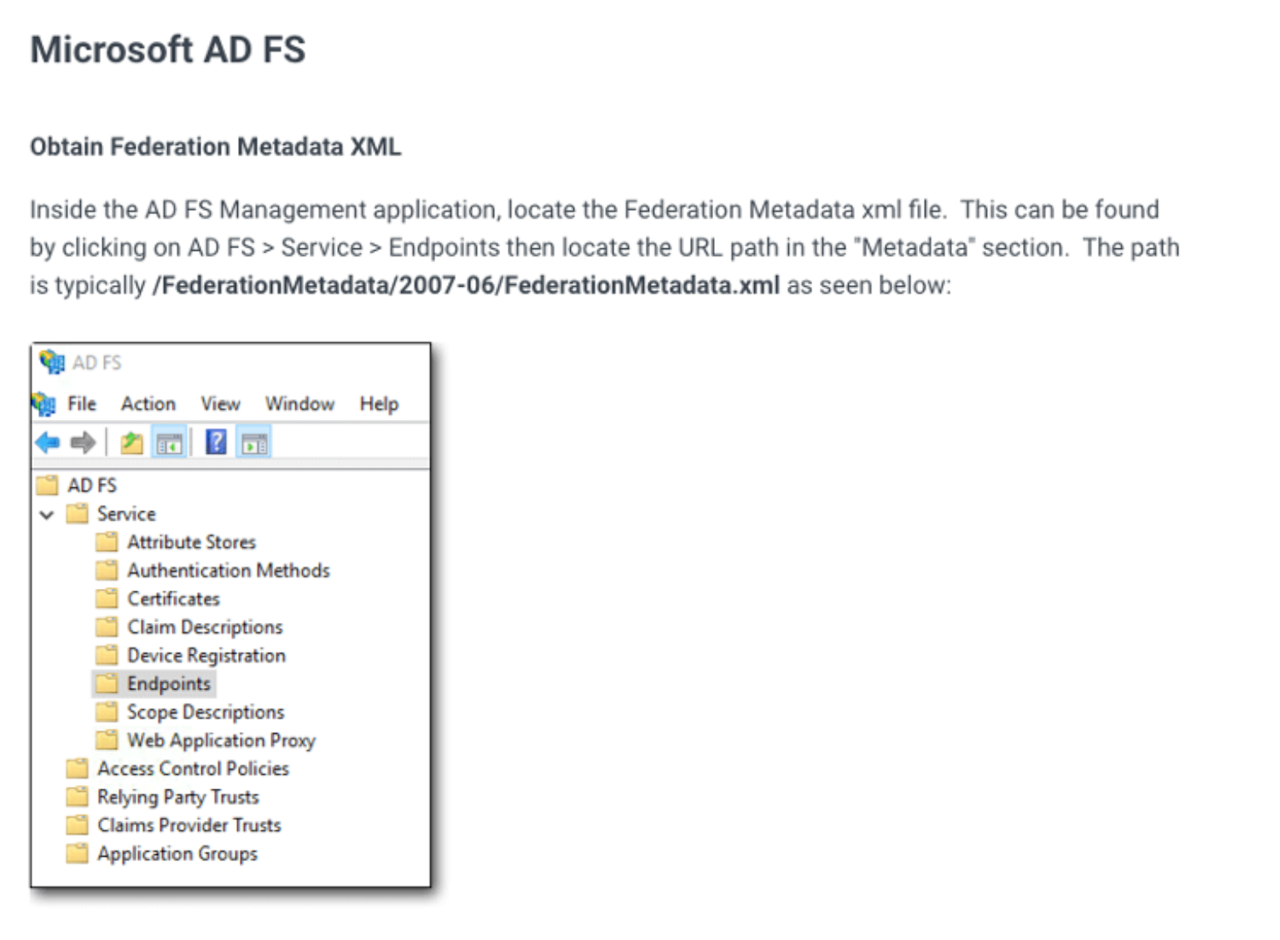
Login to ADFS Server and access the URL to download the ADFS Metadata file
Update the Metadata file. Inside the “<EntityDescriptor>” tag, keep all the contents of “<SPSSODescriptor>” tag and remove rest of the tags from the file.
Login to the AuthN Integration Portal (AIP) and Click on “Add Integration” option.
Click on "+ SAML APP" sign to create a custom Integration.
Give the Integration a Name and click on continue