
Step 3
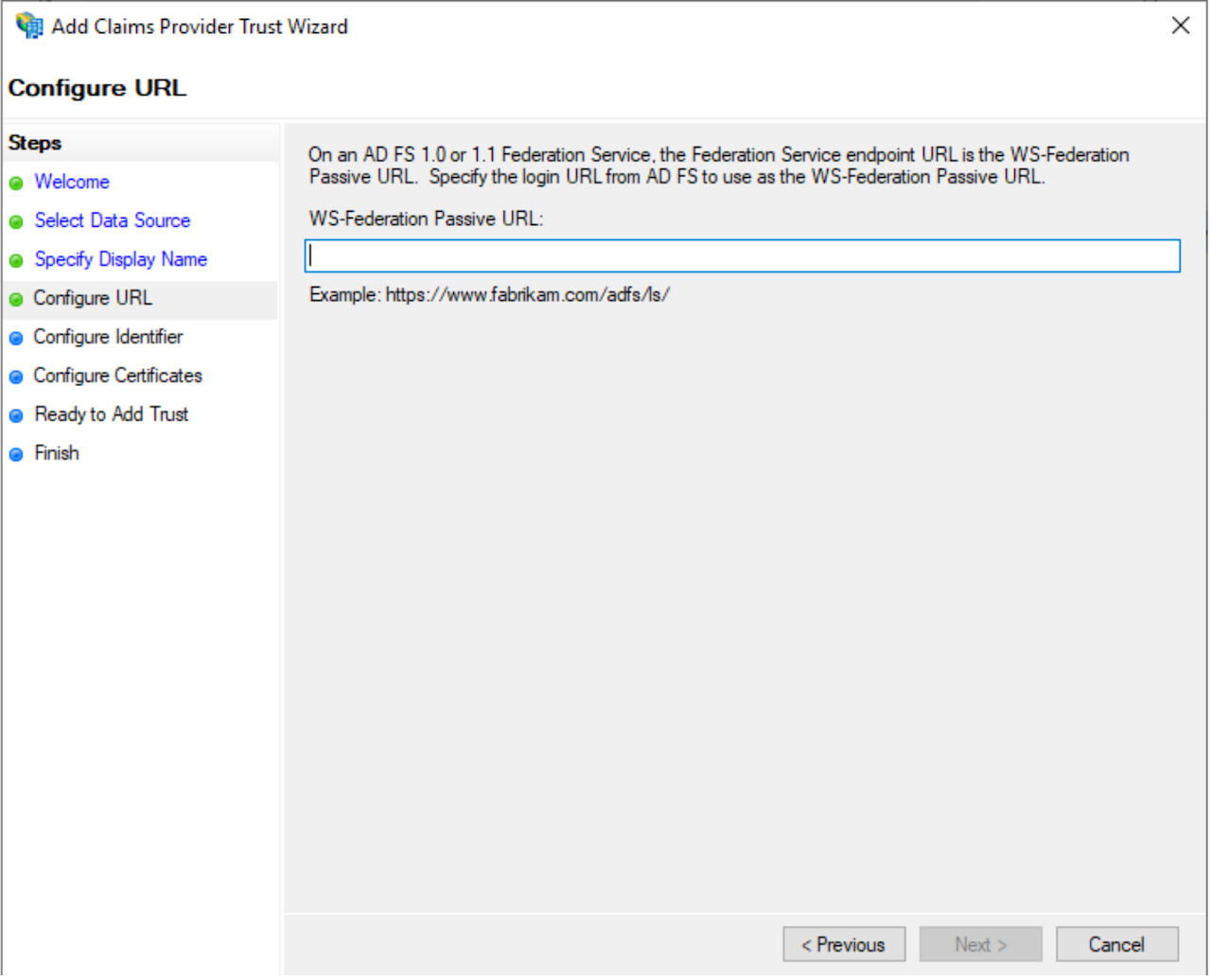
On the Configure URL page, specify the WS-Federation Passive URL, Copy/Paste the “SSO Endpoint URL” value from the AIP where you created the new custom integration. Click Next.
On the Configure Identifier page, under Claims provider trust identifier, Copy/Paste value the “IDP Entity ID” value from the AIP where you created the new custom integration. Click Next.
Download and save the Certificate from the AIP where you created the new custom integration. On the Configure Certificates page, click Add to upload the Certificate from AuthN IP and click on Save. Then click Next.