
Configure Certificate Template
We first need to configure a seperate Certificate Template to be deployed to the Mac Devices.
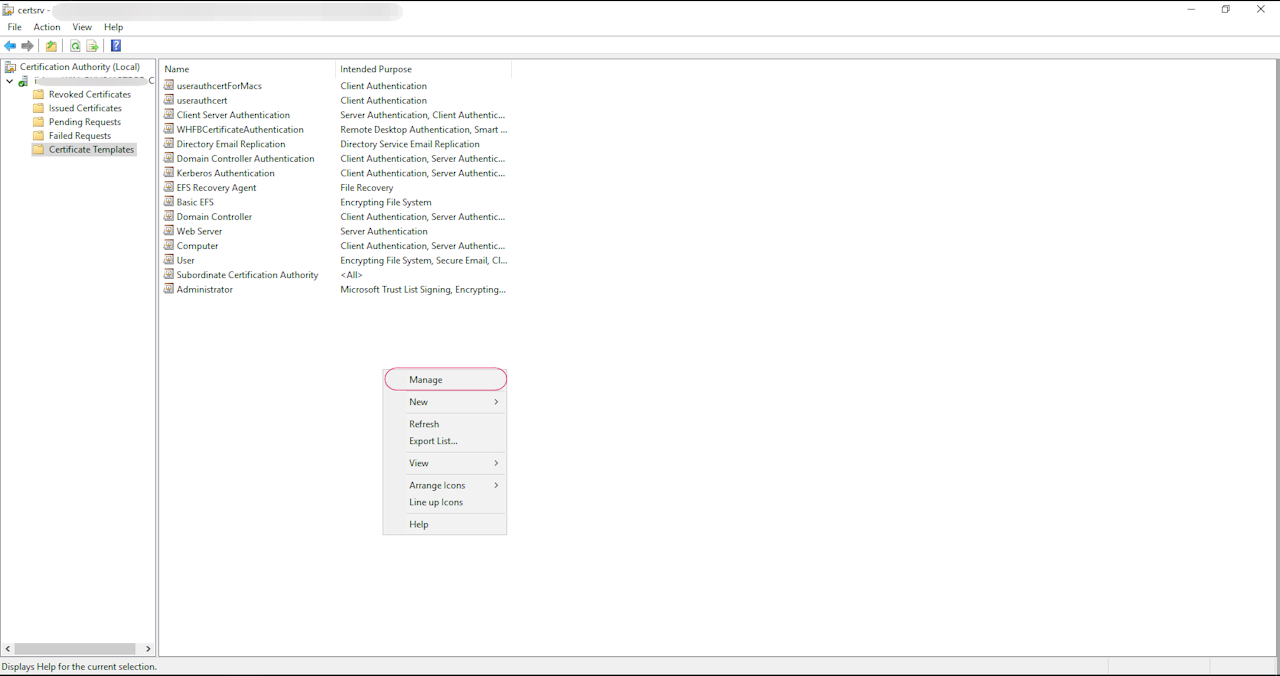
Go to Server Manager > Tools > Certificate Authority > Certificate Template
Right click and select Manage. Right click the User certificate template and click Duplicate Template.
Give the template a name (For eg: User Certificate for Mac)