
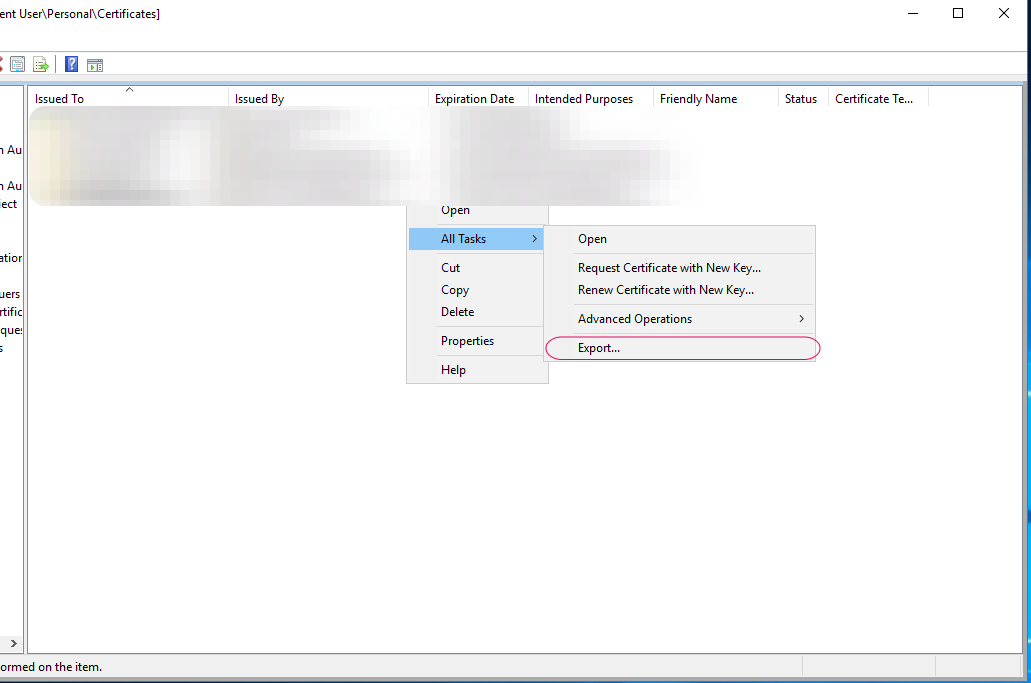
Exporting Certificate
Right click on the certificate that you just created and All Tasks > Export
Click Next and select Yes, export the private key and click Next
Make sure Include all certificates in the certification path if possible is selected and click next
Add a Password to the file and click Next
Browse to the location to want the file to be exported and click Next and Export.