
Importing Certificates to Mac
Send the exported certificate file to the Mac user securely along with the password to access the certificate.
Once the file has been downloaded on the Mac device, follow these steps:
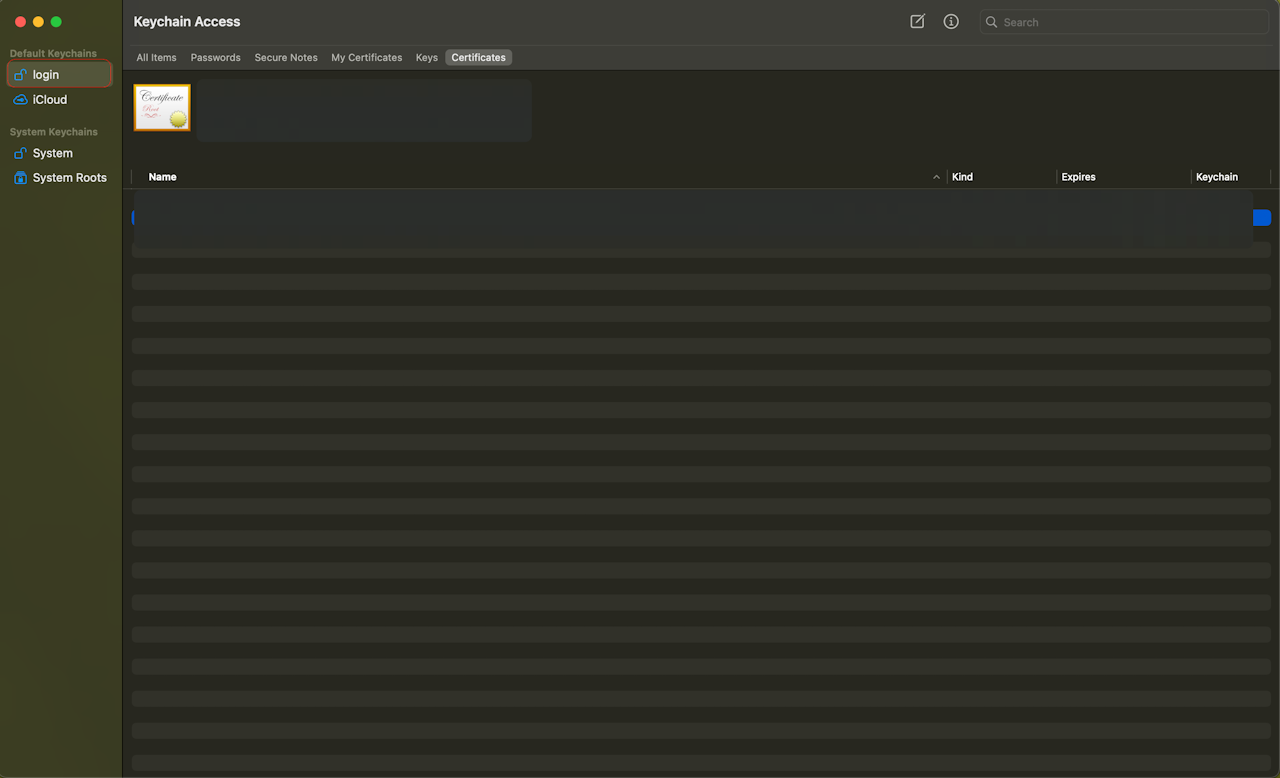
Open Keychain Access by searching using Command + Spacebar.
Click on the Login section on the top left of the keychain certificate store
From top left options bar, select File > import files and select the certificate file you just downloaded.
Add the password for the file.